Selective removal
Metadata
Remove Image Metadata
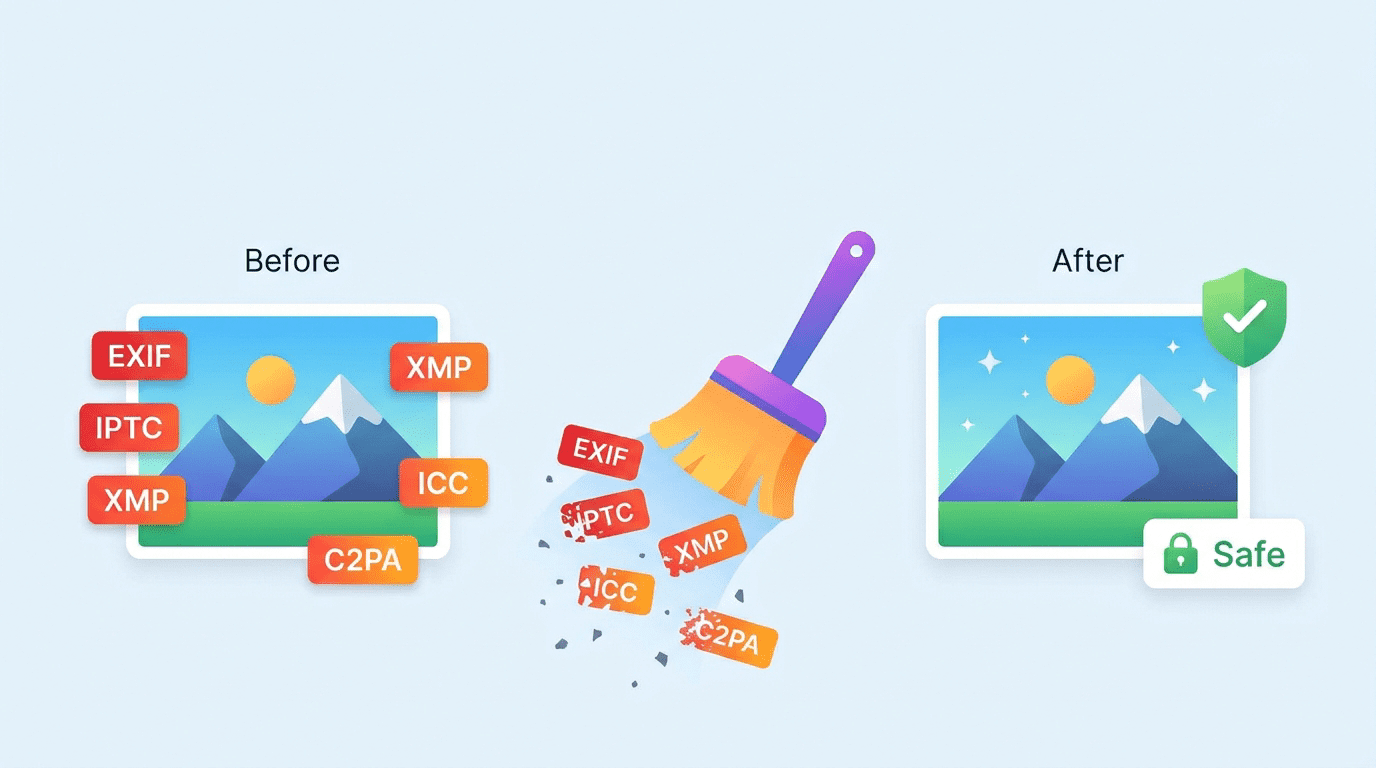
Check an image and selectively remove EXIF, GPS, IPTC, XMP, ICC, and C2PA metadata before sharing or publishing it.

Check an image and selectively remove EXIF, GPS location, IPTC, XMP, ICC, and C2PA metadata before sharing or publishing. Review what is embedded in your photo, choose what to remove, and download a cleaner file.
or click to browse files
Supports JPG, PNG, WebP
Check an image and selectively remove EXIF, GPS, IPTC, XMP, ICC, and C2PA metadata before sharing or publishing it.
Generate up to three visually consistent versions with different file fingerprints for flexible publishing and reuse.
Apply controlled convolution and micro-noise when you want subtle file-level variation without changing the visual look.
Add text or image watermarks to keep product photos, previews, and branded assets consistent across exports.
Compress images for websites, uploads, and publishing while balancing file size, format, and clarity.
Upscale and enhance older or low-resolution images for storefronts, social posts, and marketing reuse.
AI Metadata Checker is designed for creators and agency-side operators who need fast image tools without batch systems or team-management overhead.
Review EXIF, IPTC, XMP, ICC, and C2PA signals before an image goes live on social platforms, websites, marketplaces, or landing pages.
Remove only the metadata that creates privacy or publishing risk, while keeping the rest of the file intact when your workflow needs it.
Check and remove image metadata such as GPS location or device details before posting photos to websites, marketplaces, and social platforms.
Upscale older product imagery and add consistent watermarks before reusing it across listings, ads, and campaigns.
Compress images for websites, uploads, email, and landing pages without guessing at file size and format settings.
Apply text or image watermarks and upscale reused visuals before final export to keep brand presentation consistent.
Upload an image to the metadata checker, inspect its EXIF, IPTC, XMP, ICC, and C2PA data, select the metadata groups to remove, then generate and download the cleaned image.
You can inspect common image metadata groups, including EXIF and GPS location details, IPTC, XMP, ICC, and C2PA data, then choose which groups to remove.
Metadata removal targets information stored with the image file rather than its visible content. Review the generated image before publishing, especially when color-profile metadata matters to your workflow.
Image metadata may include camera or device details, timestamps, GPS location, editing information, or provenance data. Check and remove the groups you do not want to share before publishing or sending a photo.